
A clear dealer buying journey
How Dealers Buy Cars Through Naximum Auctions.
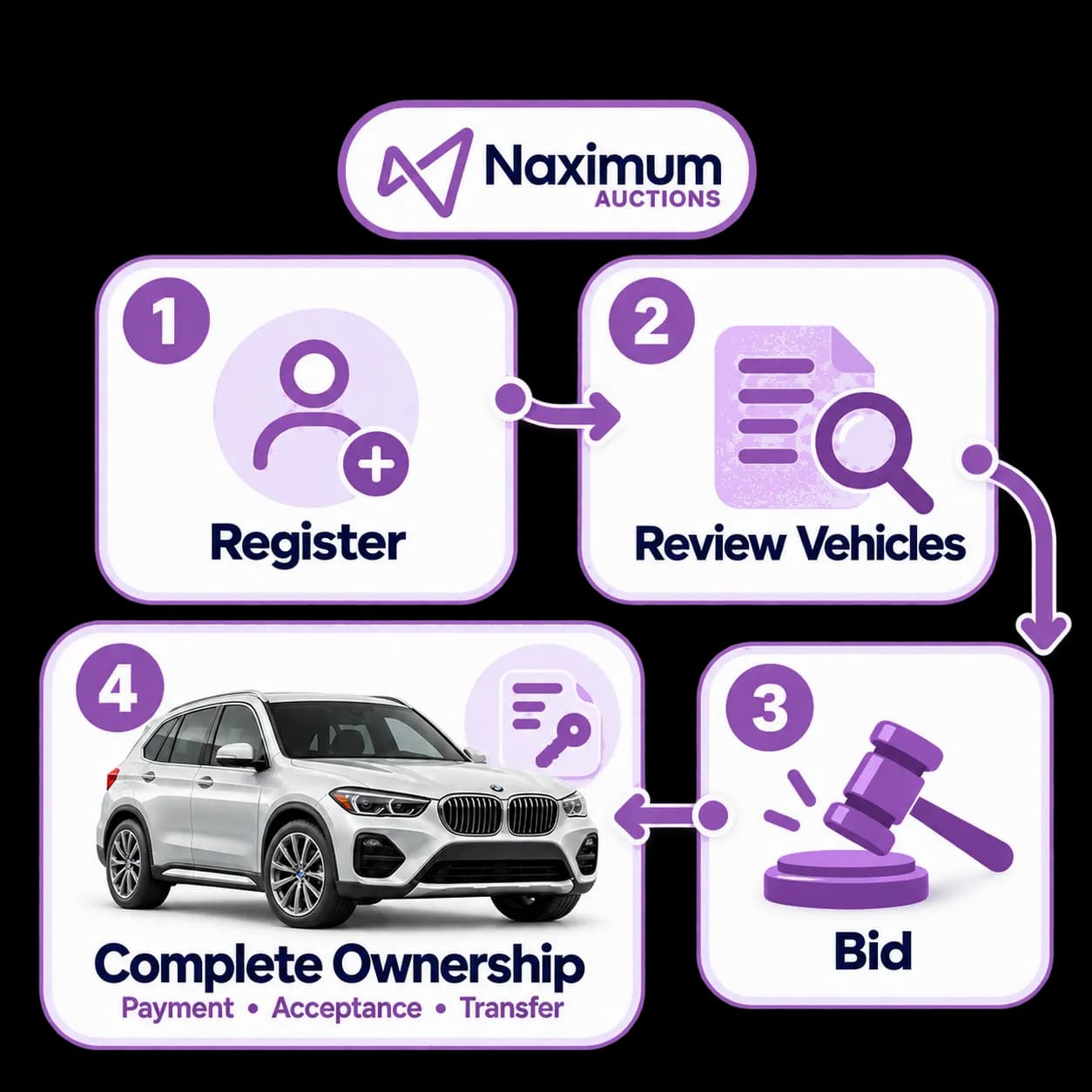
- 01
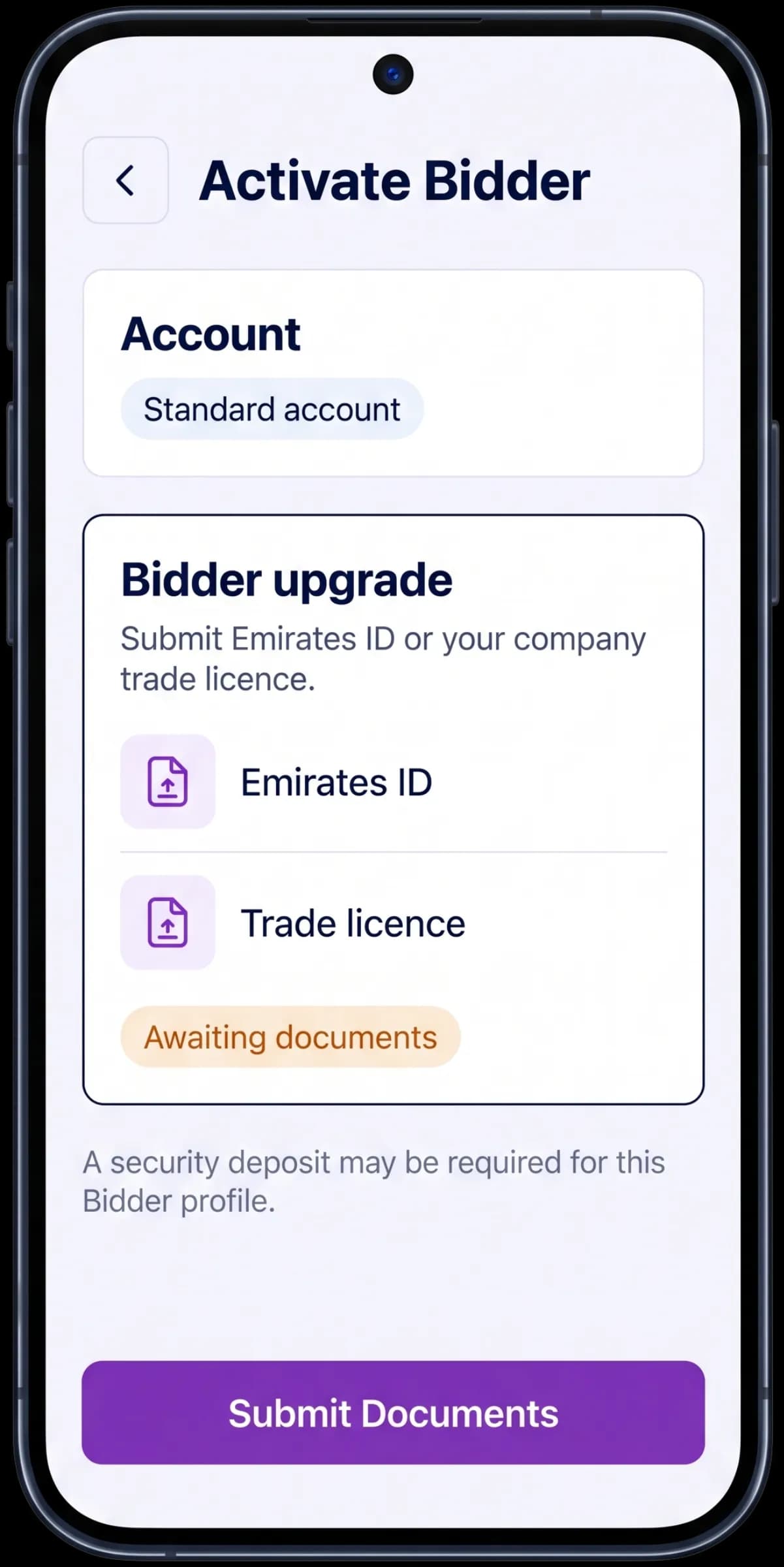
Register and Activate Your Bidder Profile
Download the app and create a standard account. To participate in auctions, request an upgrade to Bidder and submit your Emirates ID or company trade licence. Activation is normally completed after the required documents are received. A security deposit may be required depending on your Bidder profile.
- 02
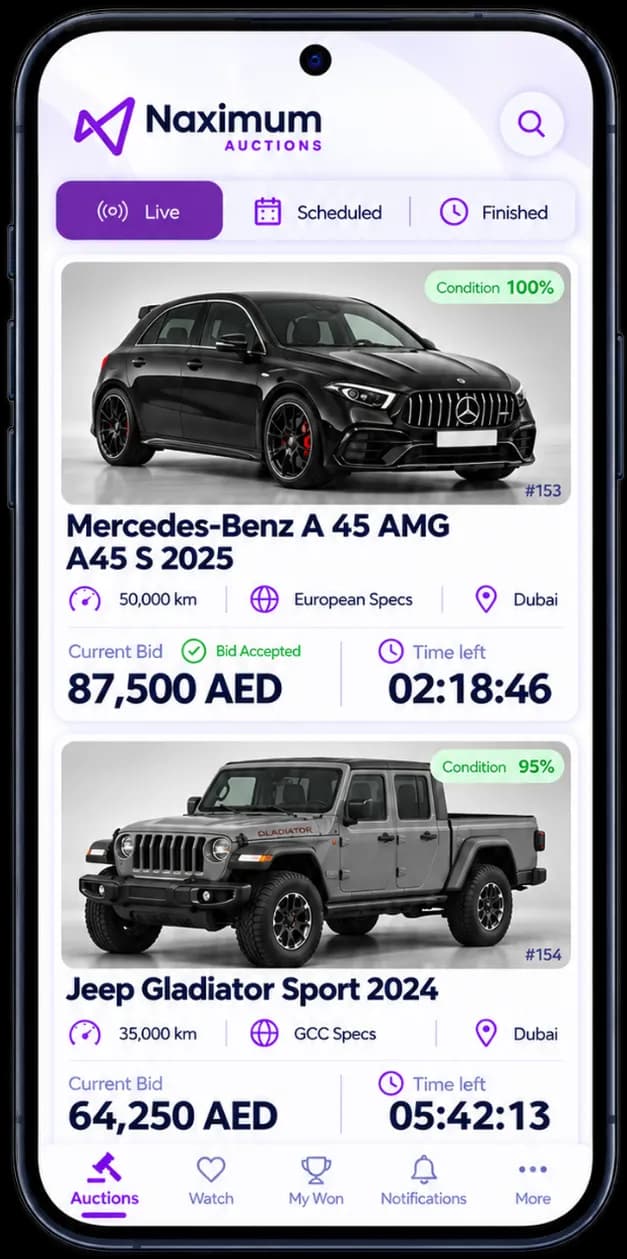
Explore Available Vehicles
Browse available dealer-only auctions and review vehicle information, photographs, specifications, mileage and the full inspection report. Registered users may view vehicle and inspection information. Prices and bid amounts are available only to activated Bidders.
- 03
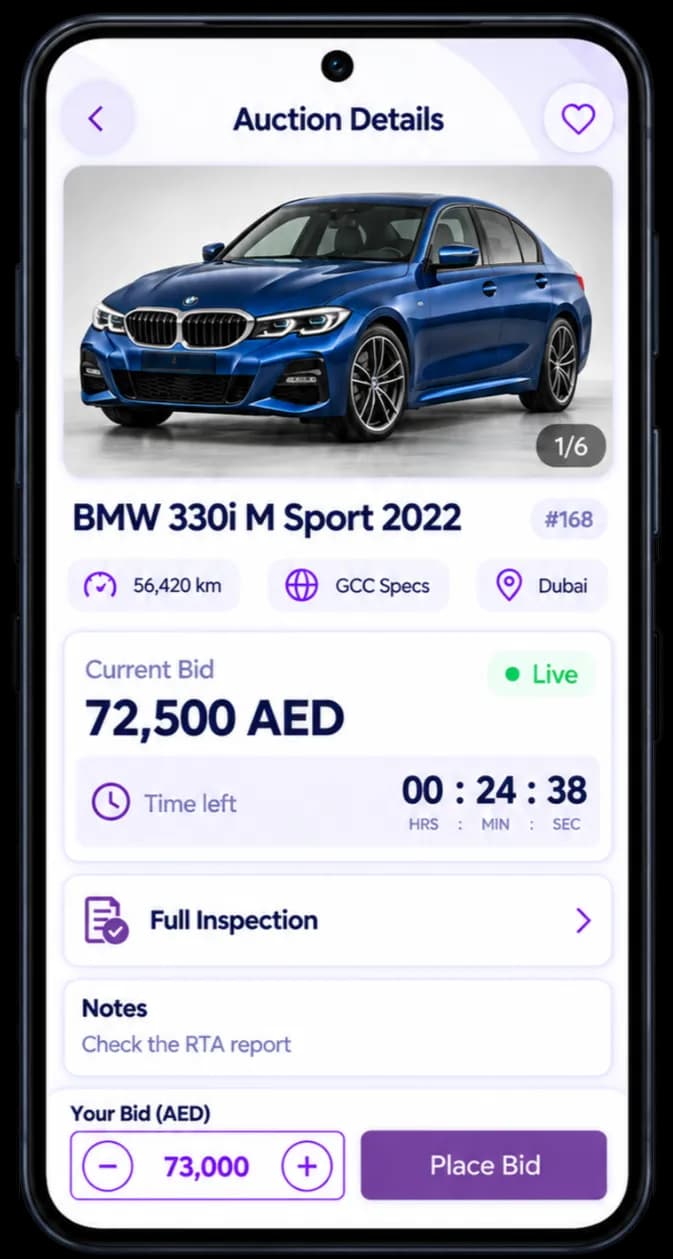
Join Live Bidding
Auctions use open ascending bidding. You can see the current highest bid and place a higher bid that meets the configured increment. Every bid is binding—not only the highest bid. If a higher Bidder defaults, Naximum may select the next eligible Bidder within the bid-validity period. Bids submitted near closing may trigger an automatic extension. The system timer and auction status are authoritative.
- 04
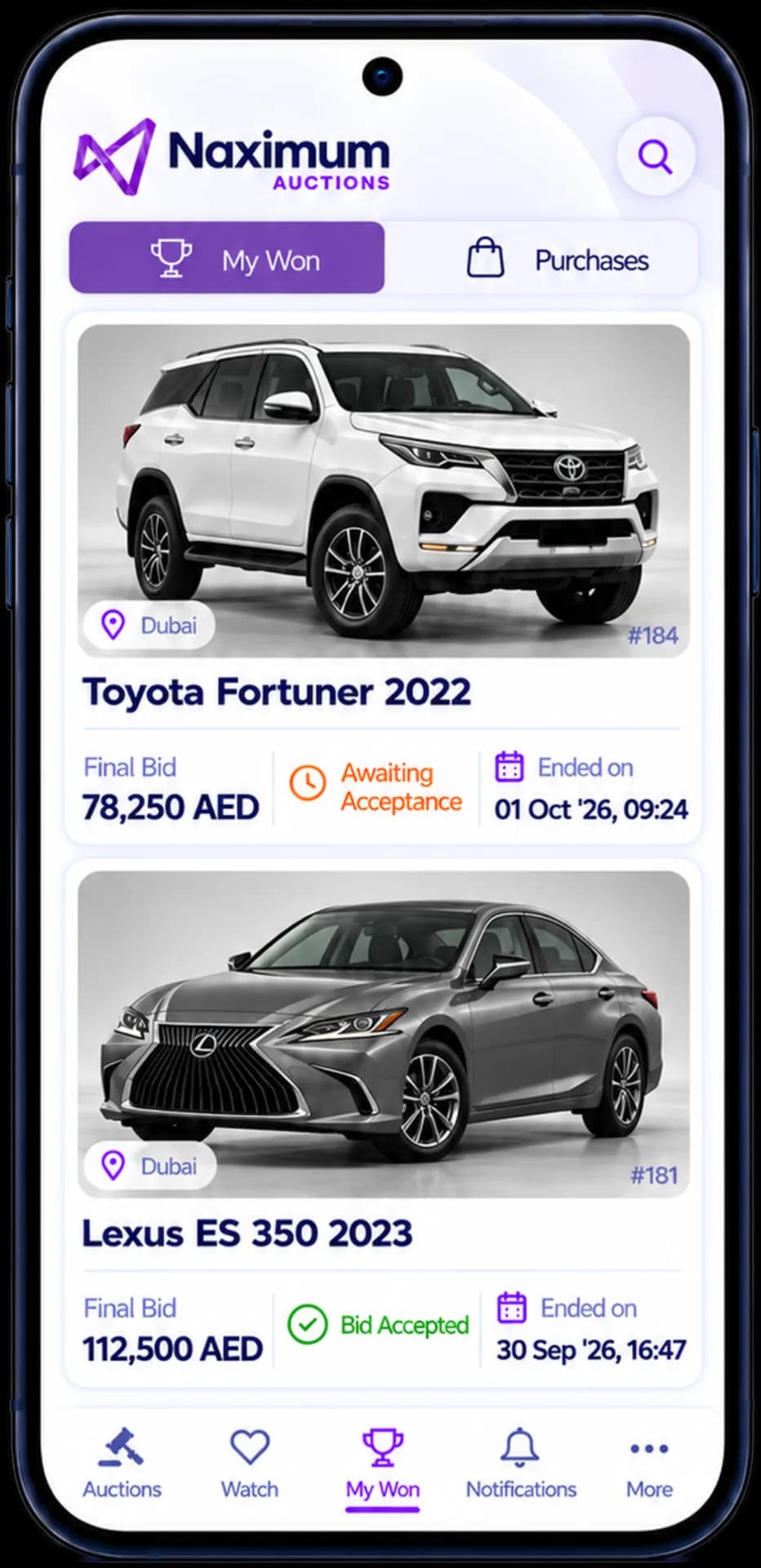
Receive the Auction Result
An Auction Partner may set a confidential Asking Price. If bidding reaches it, the auction is shown as accepted and the highest Bidder at closing must complete the Purchase. If the Asking Price is not reached, or none was set, the Auction Partner may accept or reject the result within 24 hours after closing. If no decision is made, the auction expires. All bids remain binding for 24 hours after auction close. If a Bidder is selected during that period, the purchase commitment continues.
- 05
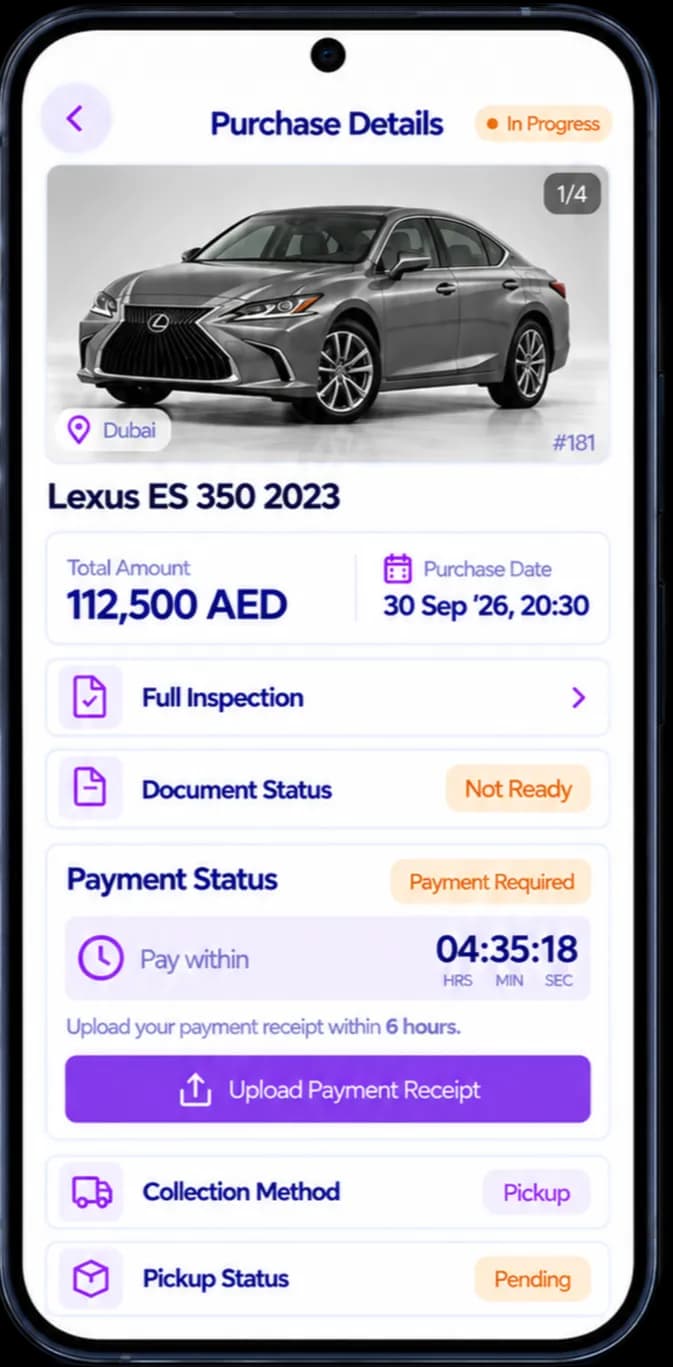
Submit Payment
When a Purchase is created, submit valid bank-transfer or cash-deposit proof within six Working Hours. Cash payment at the Naximum office may be accepted where available. Ownership transfer begins only after Naximum confirms cleared funds. Naximum does not release vehicle proceeds to the partner or seller before you accept the vehicle and ownership transfer is completed.
- 06
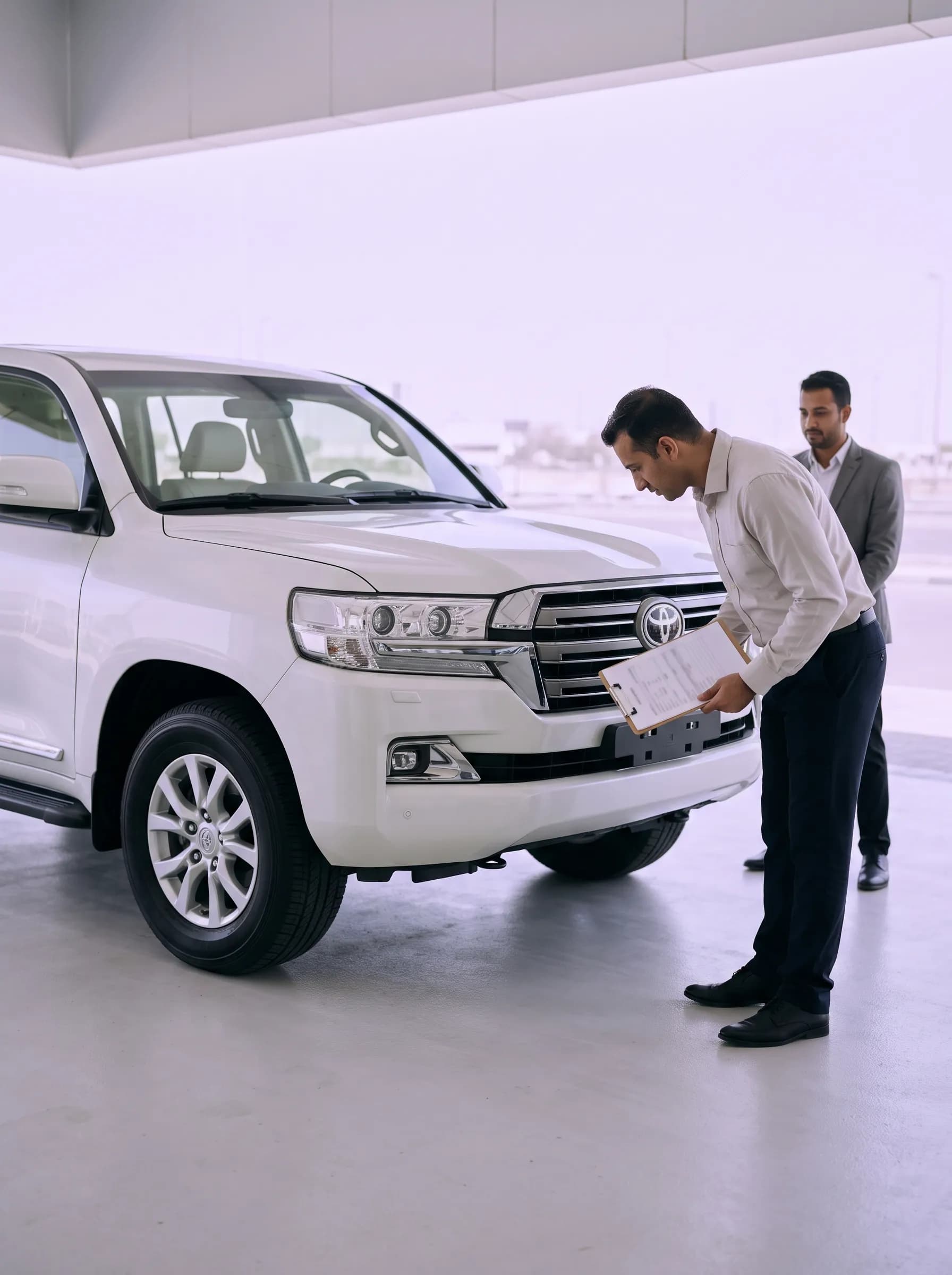
Inspect the Vehicle at Handover
If your profile is set to pickup, collect the vehicle within six Working Hours after it is confirmed ready. Eligible company Bidders may receive delivery at the scheduled time. Compare the vehicle with its original inspection and either accept or reject it at handover. Delivery rejection must happen at the time of delivery.
- 07
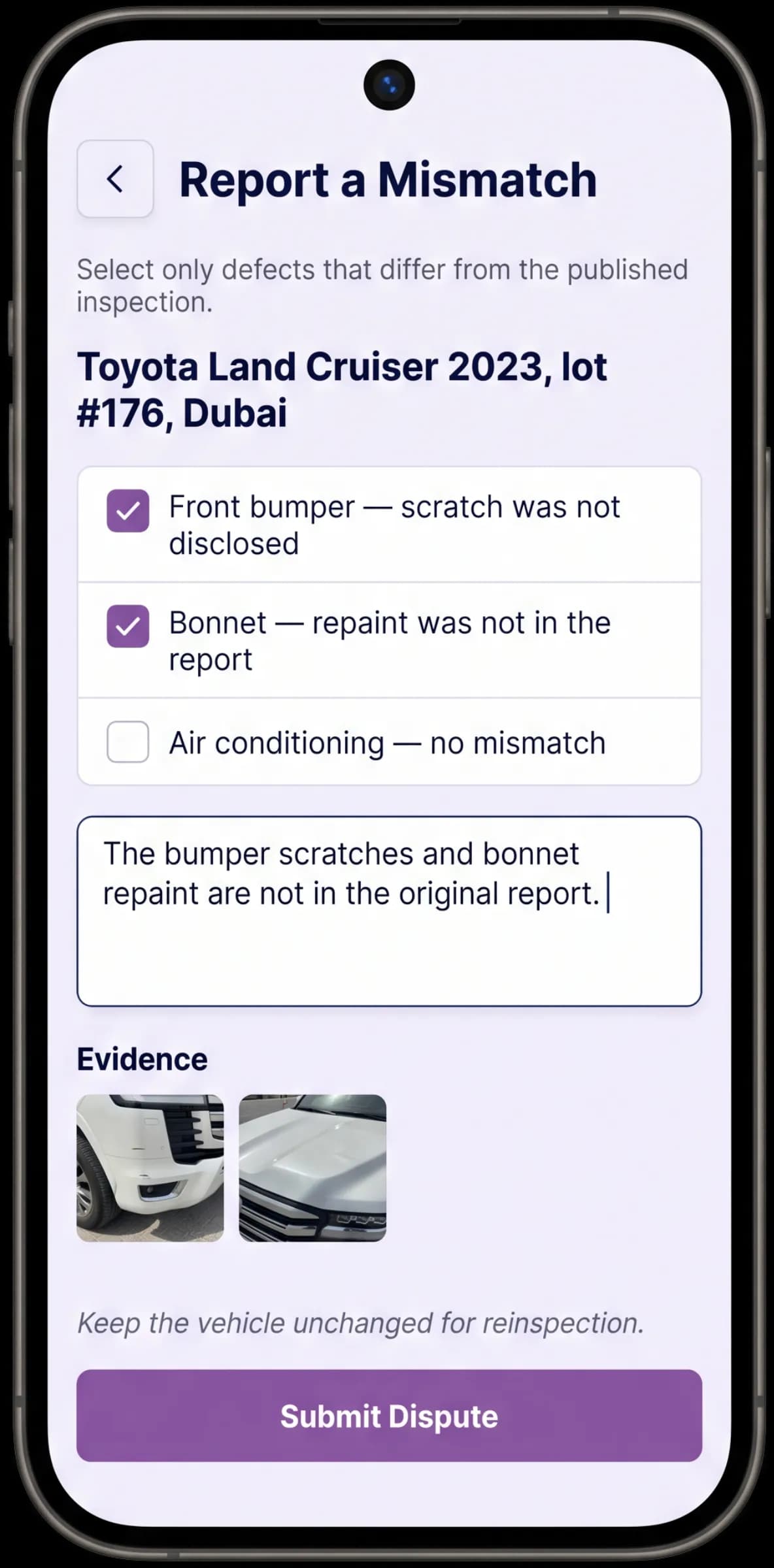
Raise a Dispute Only for a Material Inspection Mismatch
If the vehicle materially differs from the inspection, reject it before acceptance, select the claimed defects in the app, add your comments and provide supporting evidence. Naximum will appoint a reinspector and issue an operational decision. If your claim is confirmed, the Purchase may be cancelled or completed through an agreed settlement. If it is not confirmed, the Purchase remains binding and applicable costs may be charged.
- 08
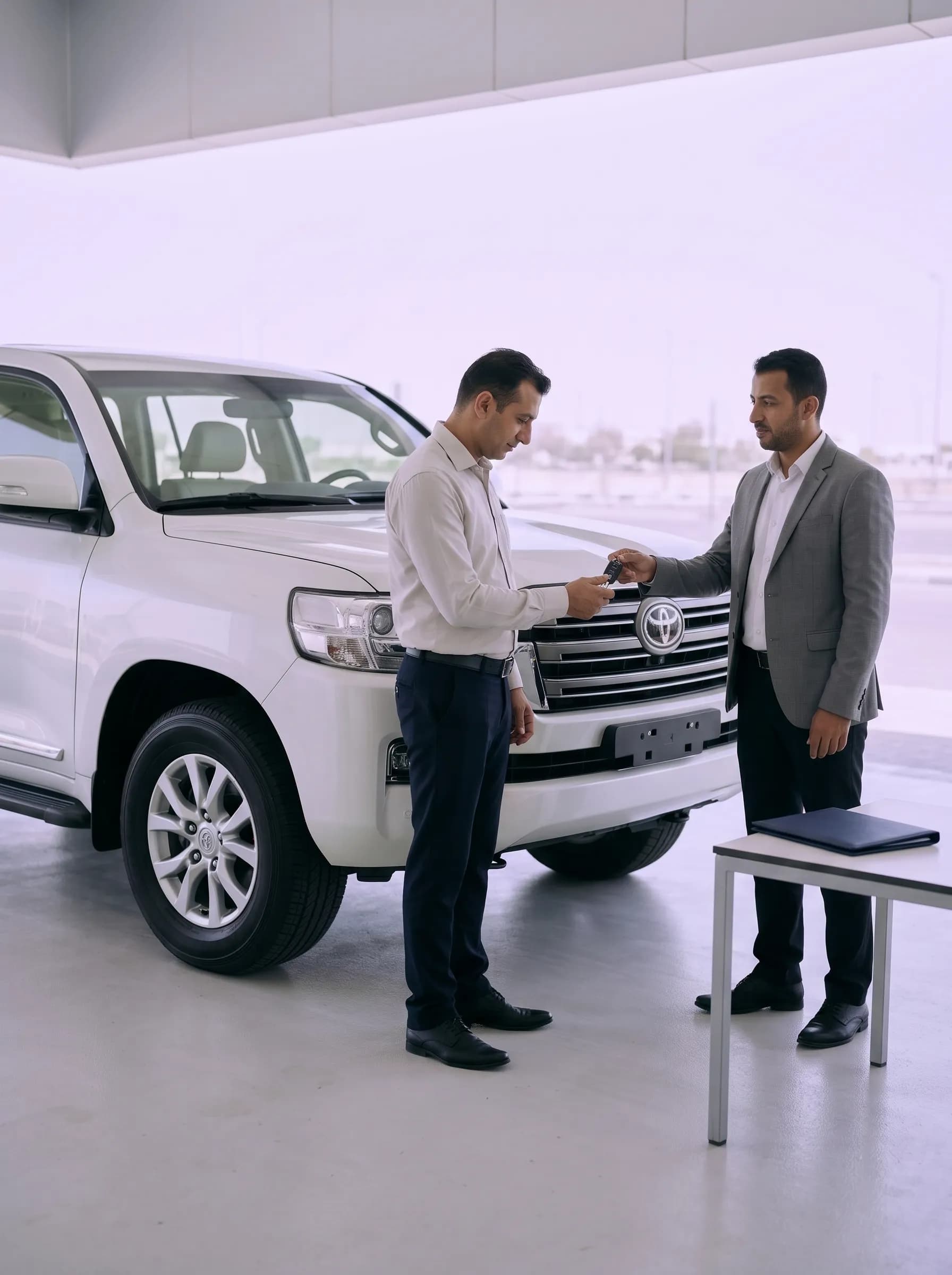
Complete Ownership Transfer
After vehicle acceptance and cleared payment, Naximum coordinates ownership transfer from the legal owner directly to you. Naximum never purchases or owns the vehicle.
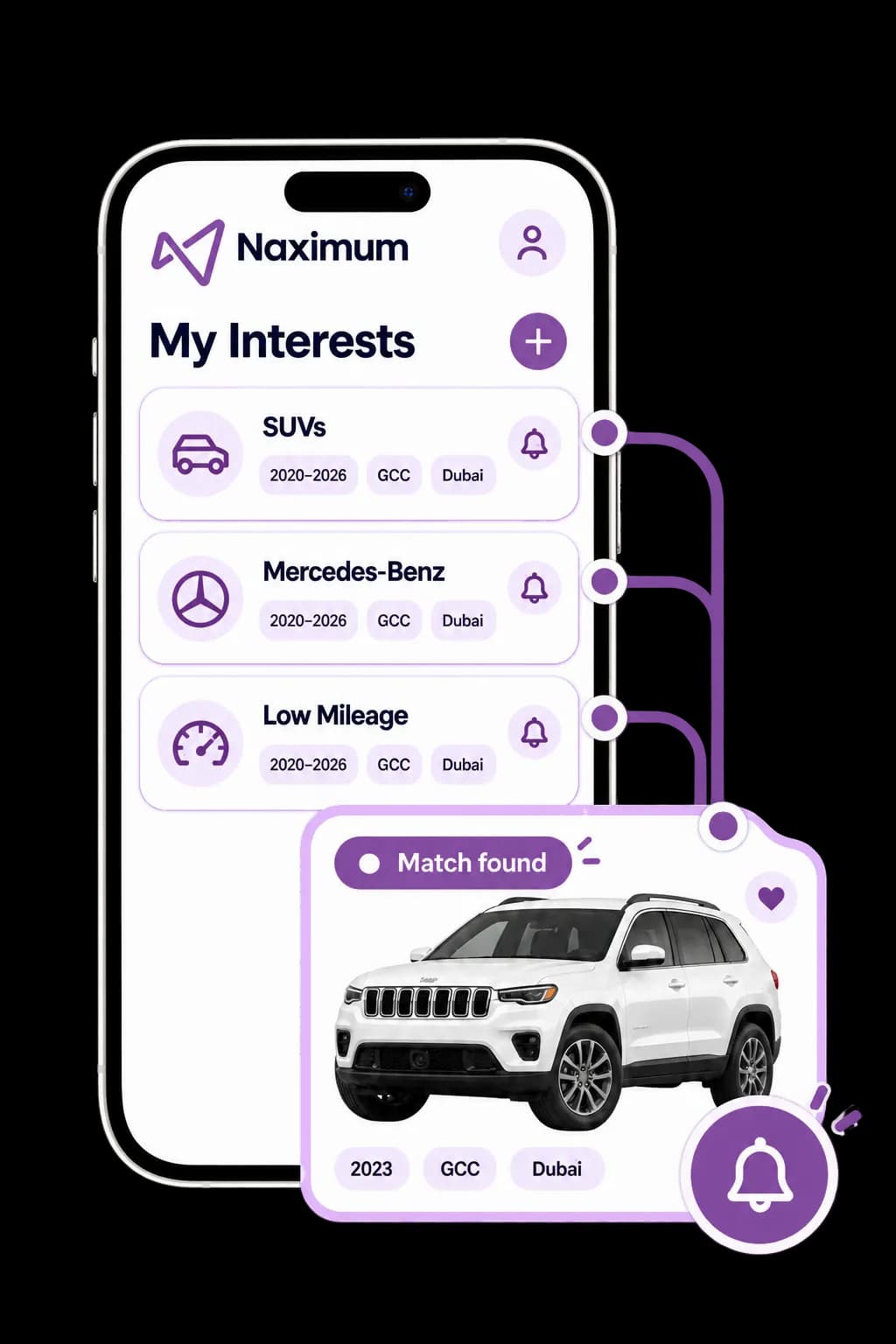
Let the right vehicles find you
Create Your Interest Lists
Tell the app what you want to buy and receive an alert when a newly added vehicle matches your criteria. Create multiple Interest Lists for different stock requirements.
Make and model
Model-year range
City
Body type
Specification
Condition rating
Maximum mileage
Mortgage status
Choose how you want to be notified: Push Notification, SMS, WhatsApp or Email.
Start Buying Through One Dealer Marketplace
Download the Naximum Auctions app and activate your Bidder profile.